Annotate what is on screen
Mark the important parts of slides, web pages, and desktop applications.
Screen annotation for Windows
FloatInk
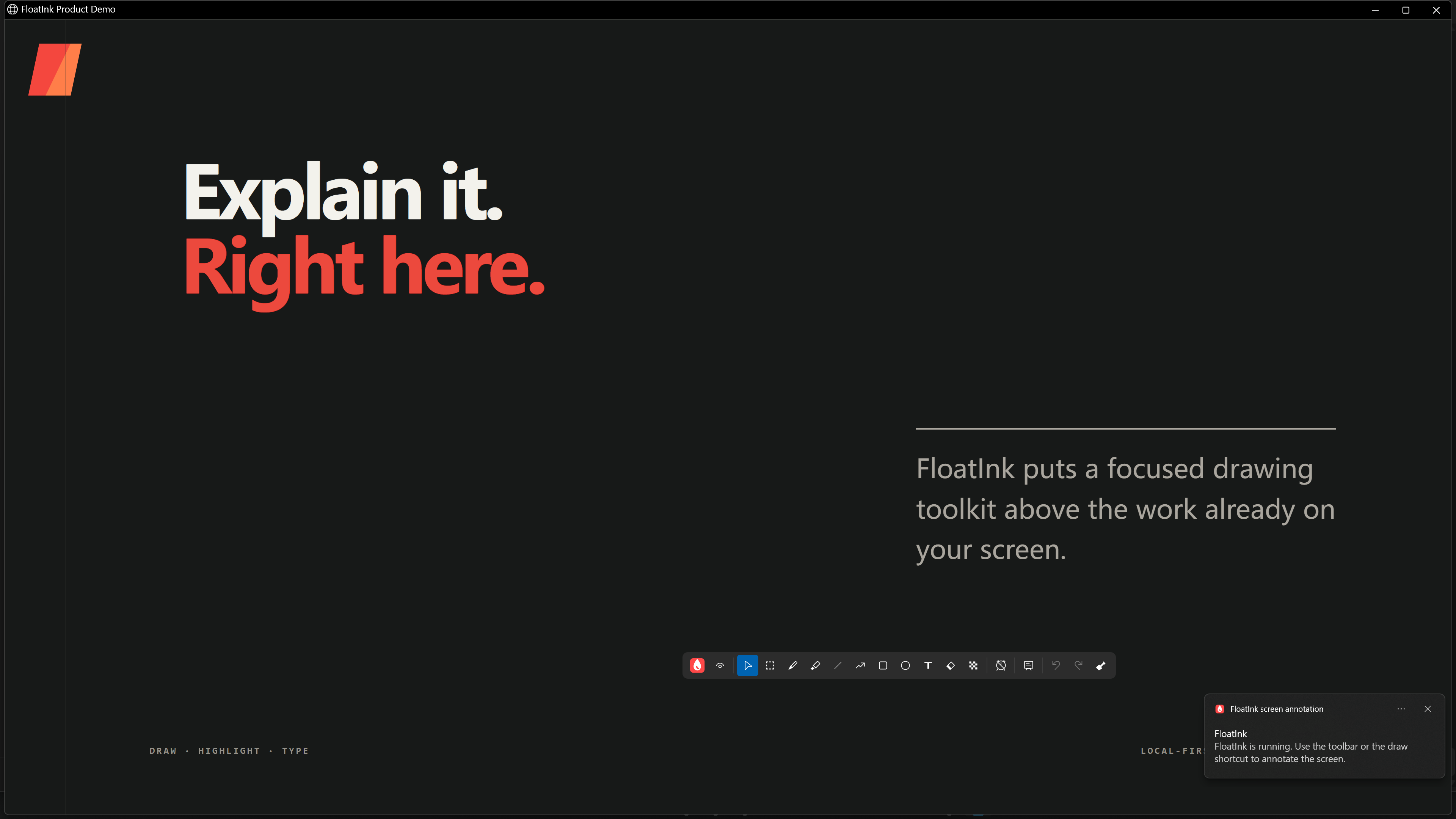
Explain a diagram, circle a button, or sketch an idea. FloatInk puts a drawing toolkit above your current application, ready when you need it.
Windows 10 / 11 · x64 · 3.93 MiB ZIP download
 FloatInkWindows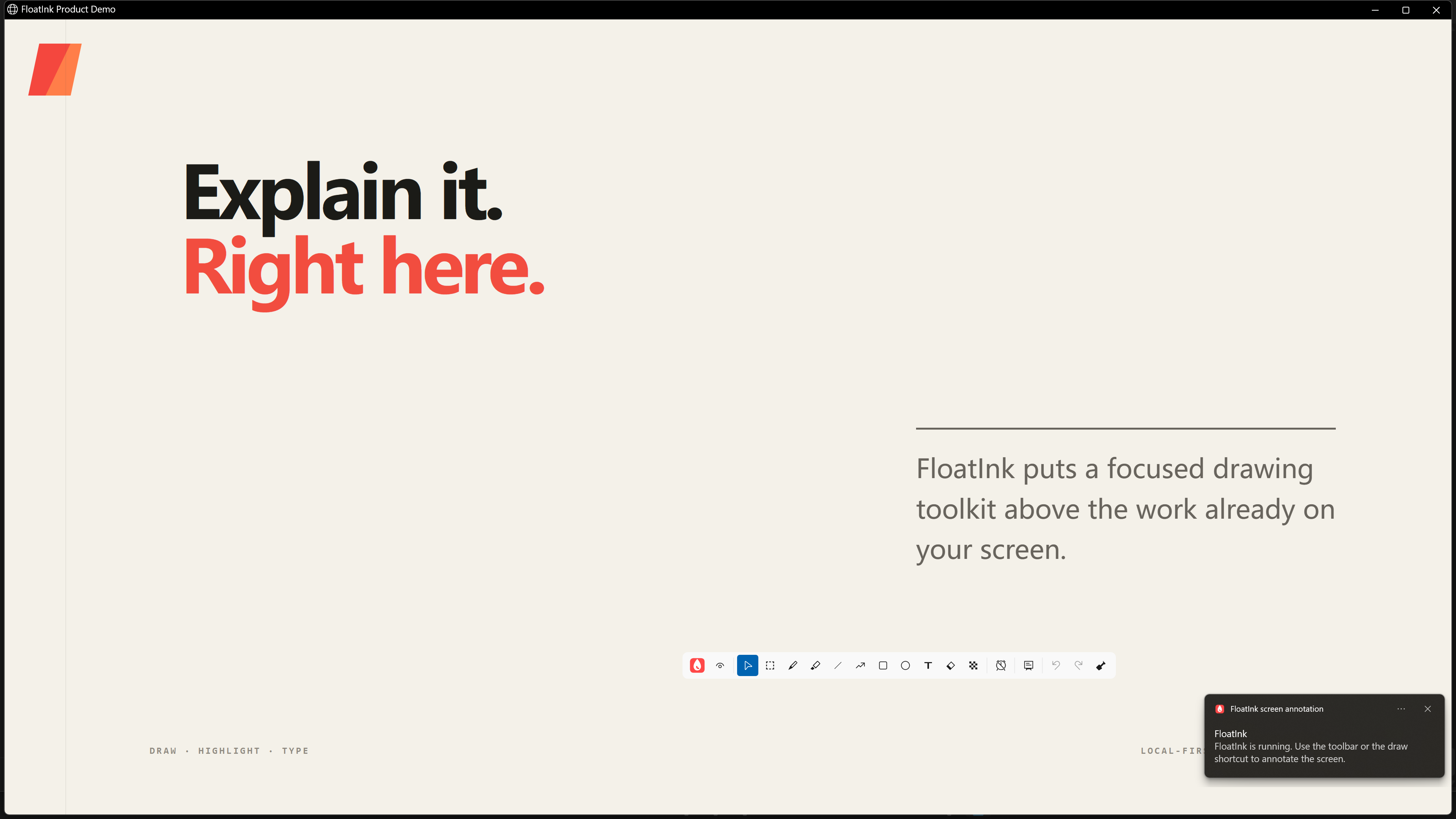
Mark the important parts of slides, web pages, and desktop applications.
Switch to mouse mode to interact with the application beneath the ink.
Switch to a whiteboard or blackboard for a clear writing surface.
The toolkit
12 tool entries share the main toolbar. Select edits existing marks, and holding Ctrl temporarily selects while another annotation tool is active. Relevant options such as color and width stay in the secondary toolbar.


In your workflow
Circle the button, highlight the next step, and keep your audience focused on the detail you are discussing.
Point directly to the area of a design, chart, or document that needs attention, making feedback more specific.
Open a board to work through a formula, list the steps, or explain an idea from a blank page.
FloatInk lives in the tray. Bring it up when needed and hide it when done. Adjust shortcuts and startup behavior in settings.
Explore tools and settingsWrite, highlight and explain on screen. See the download page for download and installation details, and activate your licence in the app.